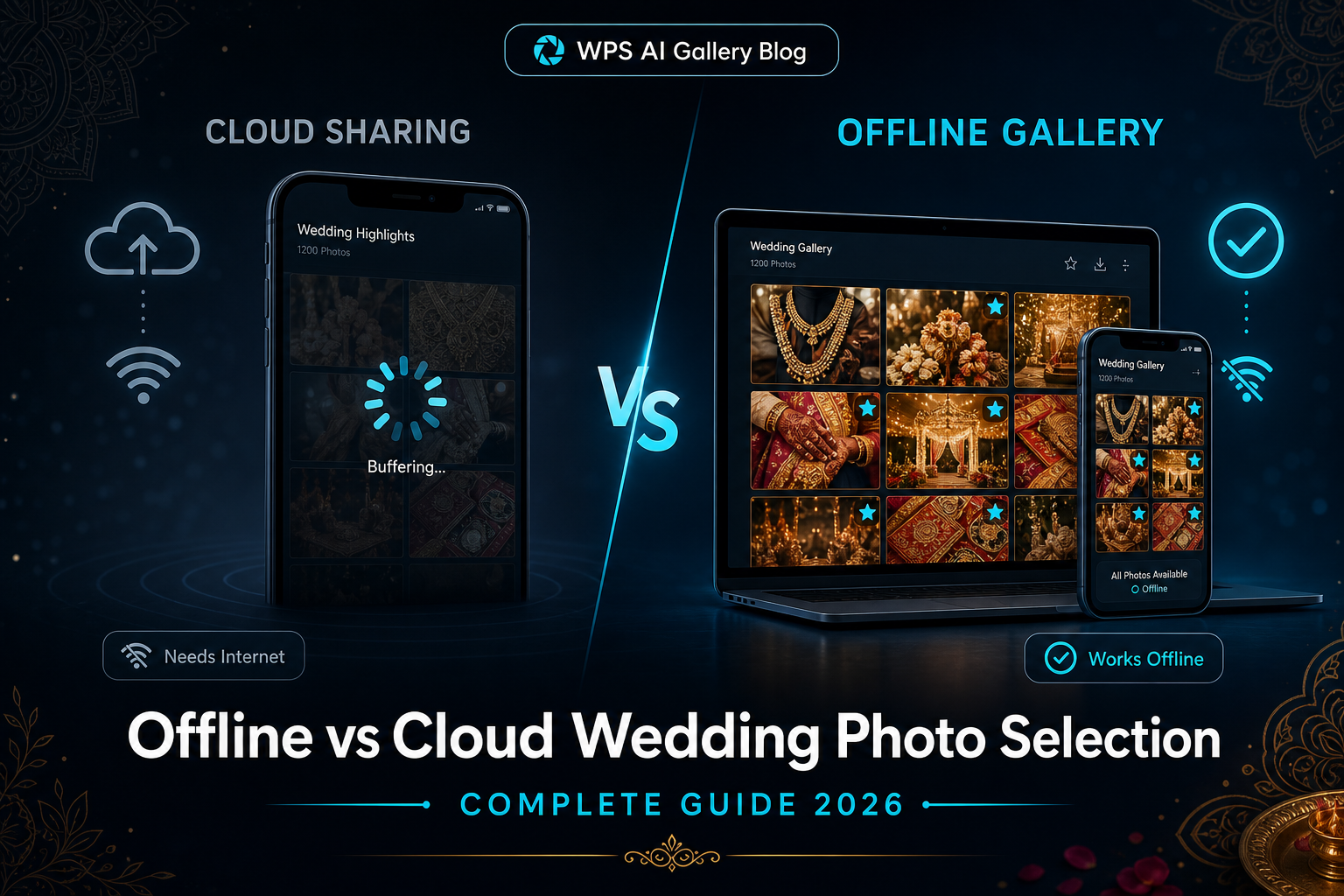
Every wedding studio eventually faces the same decision: how should clients review and select photos — through a cloud gallery link, or through an offline delivery system? Both methods work, but they create very different client experiences, especially for large Indian weddings where internet quality varies dramatically.
This guide compares both approaches from a studio workflow perspective — not technical internals — so you can choose what fits your clients best.
Quick Comparison Overview
| Factor | Cloud Sharing | Offline Gallery |
|---|---|---|
| Internet needed | Yes — every viewing session | No — after initial delivery |
| Loading speed | Depends on network & server | Local — consistent on client device |
| Privacy control | Photos on third-party servers | Studio controls original files locally |
| Family review | One link, shared access | Can copy to multiple devices offline |
| Rural weddings | Often problematic | Works without network |
| Large galleries (1000+) | Can feel slow to browse | Designed for smooth local browsing |
How Cloud Sharing Usually Feels for Clients
- Photos live on a remote platform; each viewing session needs internet.
- Loading speed depends on network quality and server response.
- Selection returns through the platform when connectivity allows.
Cloud platforms suit some city studios with stable broadband and smaller galleries.
How Offline Selection Usually Feels for Clients
- The studio delivers a gallery package once.
- The client reviews and shortlists without internet during browsing.
- The studio receives a clear selection for album or print work.
Workflow tools like WPS AI Gallery focus on this experience — helping photographers manage large wedding selections more efficiently with offline-friendly client review.
When Cloud Sharing Makes Sense
- Your clients are mostly in cities with stable broadband
- Galleries are small (under 200–300 photos)
- You want instant link sharing without physical delivery
- Clients are comfortable with online accounts and passwords
When Offline Selection Makes Sense
- Weddings happen in villages, farms, or destination locations with weak network
- Multiple family members review photos on different phones over several days
- Clients prefer not to upload or stream large photo sets on mobile data
- You want predictable delivery regardless of internet conditions
- Large multi-day weddings produce 800–2000+ edited photos
Privacy & Data Control
With cloud sharing, photos typically live on a platform's servers. With offline delivery, your original high-resolution files stay on your studio computer. The client receives a viewing gallery for selection — not your full RAW archive.
Client Experience: What Actually Matters
Clients rarely care about the technology. They care about:
- Can I see all my photos easily?
- Can my family help me choose?
- Will it work on my phone without problems?
- Can I take my time without the link expiring?
Offline galleries score strongly on points 2, 3, and 4 — especially in India where wedding families often review together over multiple evenings.
Cost & Time Considerations
Cloud platforms usually charge monthly or per-gallery fees and require upload time proportional to gallery size. Offline systems involve a one-time software investment and local gallery preparation — after delivery, there are no ongoing streaming costs for the client.
Founder Insight
Studios do not need to choose technology for its own sake. They need a delivery method that works in the field — where internet, family review habits, and gallery size vary every weekend.
Explore WPS AI Gallery
Frequently Asked Questions
Is offline photo selection outdated?
No. Offline delivery is a modern workflow choice for studios that prioritise reliability, privacy, and large-gallery performance — especially where internet is unreliable.
Can clients use offline galleries on mobile?
Yes. Professional offline gallery systems support mobile viewing through the browser, without requiring a permanent internet connection after the gallery is received.
Do I still need internet at the studio?
Only for initial delivery to the client (via WhatsApp, Google Drive, USB, etc.). The client's selection process itself runs offline.
Which is better for 1000+ wedding photos?
Offline galleries generally provide smoother browsing for very large sets because photos load from the local device rather than streaming from a remote server.
Can I use both methods?
Some studios use cloud for preview and offline for final selection. However, most find that picking one consistent workflow reduces client confusion.
Try a Live Demo Before Making a Decision
Compare workflows hands-on — we show the full studio-to-client process in a free demo call.