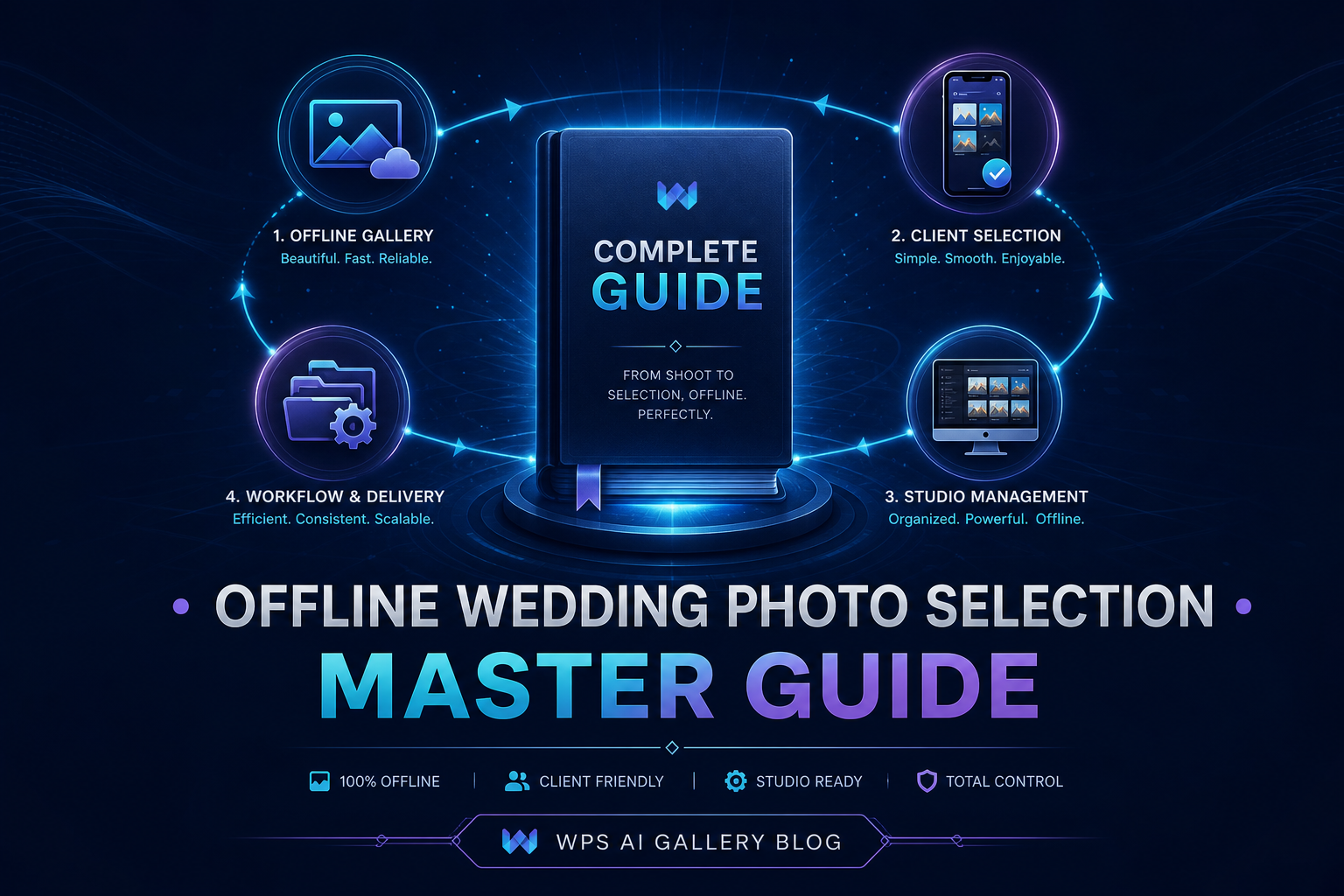
This is the master reference for wedding studios considering — or already using — offline photo selection workflows. It covers what offline selection means, when to use it, how the studio-to-client process works, and links to detailed guides on each topic.
WPS AI Gallery is a patent-pending offline wedding photo selection system built from real experience in Gujarat, India, and validated by 130+ technology validators.
What Is Offline Wedding Photo Selection?
Offline selection means the client receives a gallery package and reviews photos on their own device without needing internet during browsing. They shortlist favourites and return a clear selection to the studio — at their own pace.
This is different from cloud galleries where every photo loads from a remote server and requires active connectivity.
Studio-to-Client Workflow (High-Level)
- Studio: Prepare and deliver the client gallery.
- Client: Review and shortlist offline.
- Studio: Receive the selection and move to album or print production.
When Offline Selection Is the Right Choice
- Large galleries (800–2000+ edited photos)
- Rural, village, or destination weddings with weak network
- Clients who prefer privacy — no cloud upload of wedding photos
- Families who review together over multiple evenings
- Studios tired of "link not opening" support messages
Detailed comparison: Offline vs Cloud Sharing Guide
Benefits for the Studio
| Benefit | Impact |
|---|---|
| Predictable delivery | No dependency on client's internet quality |
| Less support time | Fewer "link not working" messages |
| Structured selection return | One file instead of WhatsApp chaos |
| Faster production handoff | Less manual sorting and fewer correction cycles |
| Professional image | Clients see a polished, branded experience |
Benefits for the Client
- Browse at their own pace — no rushing before a link expires
- Works on phone without eating mobile data on every session
- Whole family can review together from one device or copied files
- No account creation or password to remember
Client selection guide: How to Manage Wedding Photo Selection
Setting Up Your 7-Day Timeline
The standard professional timeline:
- Days 1–2: Edit and organise
- Day 3: Deliver offline gallery with selection brief
- Days 4–5: Client reviews with family
- Day 6: Client submits final selection
- Day 7: Studio confirms selection and starts album design
Full breakdown: 7-Day Delivery Timeline
Handling Large Galleries (1000+ Photos)
Large Indian weddings produce enormous photo sets. Offline delivery keeps browsing smooth on client devices and reduces overwhelm when combined with clear selection counts and organised folders.
Read more: 1000+ Photos — Selection Problems & Fixes
Rural & Destination Weddings
When the venue has no reliable network, offline is often the only practical option. Deliver before the client returns home for best results.
Read more: Rural Weddings Without Internet
Avoiding Common Selection Problems
The seven most frequent issues — delays, WhatsApp chaos, family disagreements — are all process problems, not client problems. Structured offline workflows solve most of them.
Read more: 7 Common Problems & Solutions
Scaling During Wedding Season
Peak season capacity comes from systemised delivery, not just harder work. Batch gallery days, template messages, and a consistent selection process multiply what your team can handle.
Read more: Wedding Season Productivity Tips
About WPS AI Gallery
WPS AI Gallery is patent-pending workflow software for wedding photo selection (Indian Patent Application No. 202521102243). It helps professional studios deliver offline-friendly galleries and manage client selections with less manual coordination.
Built from Navavas, Gujarat, and validated by 130+ technology validators in real wedding workflows.
Founder Insight
Offline selection is not a step backward — it is a reliability choice for studios that deliver large galleries where client experience and deadline control matter more than link convenience.
Explore WPS AI Gallery
Frequently Asked Questions
Is offline photo selection outdated in 2026?
No. It is a deliberate modern choice for reliability, privacy, and large-gallery performance — especially in markets with variable internet quality.
Do clients need to install an app?
No. Professional offline galleries open in the phone or desktop browser after the gallery file is received.
Can I try before buying?
Yes. WPS AI Gallery offers a free guided live demo so you can see how the client selection workflow fits your studio.
Does offline work for international clients?
Yes. Any client who receives the gallery file can browse offline regardless of country or network conditions.
How do I get started?
Book a demo, choose a plan, and practice the workflow on 2–3 weddings before peak season for best results.
Try a Live Demo Before Making a Decision
Book a free live demo — see the complete studio-to-client workflow in action.