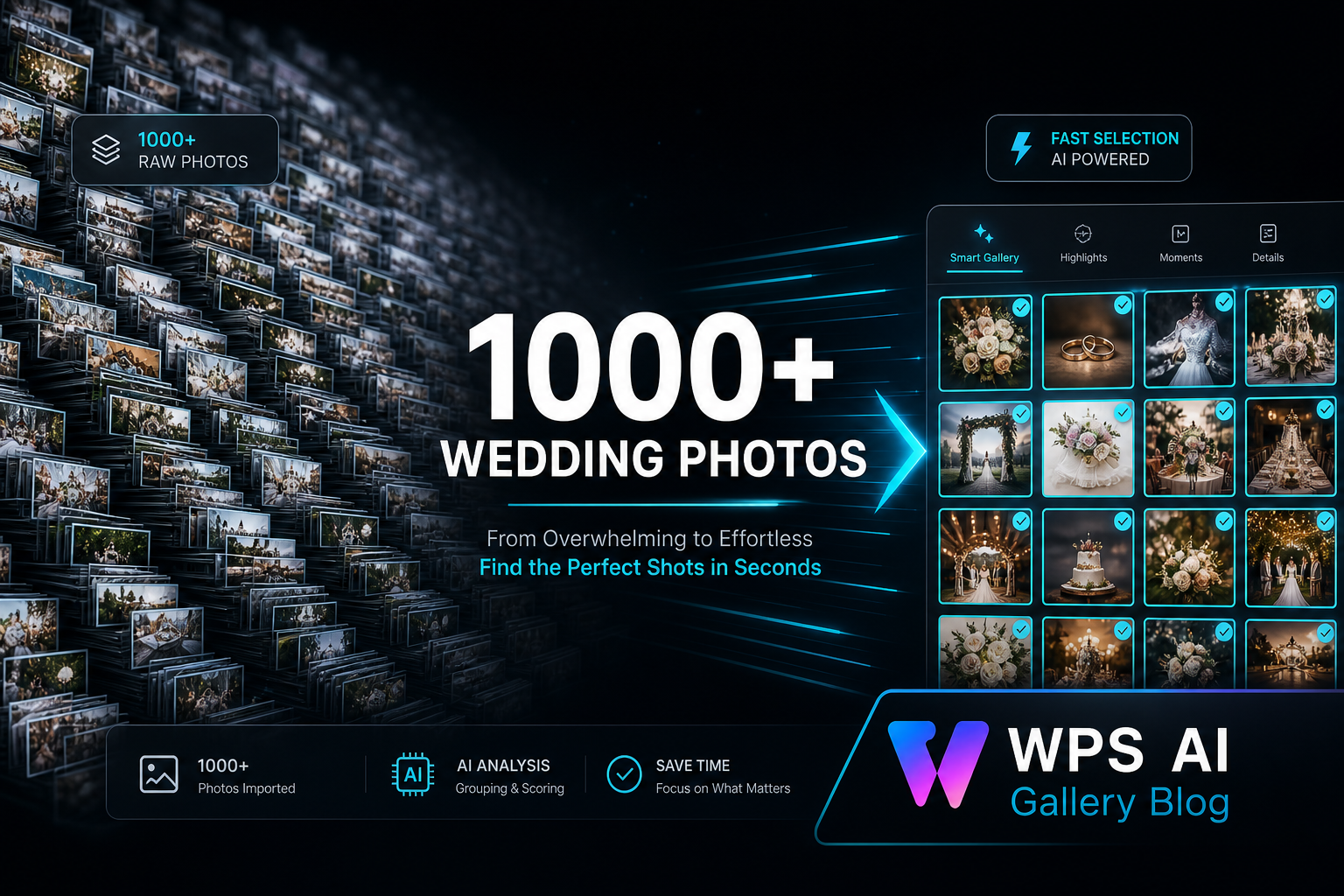
Modern Indian weddings often produce 800 to 2000+ edited photos across multiple events — sangeet, haldi, baraat, reception. Clients love having options, but large galleries create a hidden problem: selection slows down, deadlines slip, and studios lose editing time on the next wedding.
This article explains why large galleries feel slow — from the client's perspective and the studio's — and what workflow changes actually help.
Where Large Galleries Get Stuck
- Clients feel overwhelmed by too many choices.
- Browsing feels slow when internet or devices struggle.
- Family members send conflicting lists.
- The studio waits — and the next wedding queue is affected.
Problem 1: Client Overwhelm
When someone sees 1200 photos for the first time, they don't know where to start. They scroll randomly, get tired, and postpone the decision for days.
Fix: Deliver photos in organised folders (Day 1, Day 2, Couple, Family). Give a clear target: "Please select 300 for the album." Break the task into two sessions — first viewing for enjoyment, second for serious selection.
Problem 2: Browsing Speed on Client Devices
Cloud links on mobile data can feel sluggish with very large sets. Each photo may need to load from a remote server. Clients in tier-2 cities or rural areas feel this most.
Fix: Use an offline gallery delivery method so photos load locally on the client's phone or laptop. After one-time delivery, browsing stays smooth regardless of network quality.
Problem 3: WhatsApp Chaos
Clients send screenshot after screenshot on WhatsApp — "add this one", "remove that one". Studios manually match filenames. With 1000+ photos, this becomes unmanageable.
Fix: Use a structured selection workflow where the client returns one clear list to the studio — not dozens of chat messages.
Problem 4: No Clear Deadline
Without a written selection deadline, clients assume they have unlimited time. Studios silently wait while the next wedding's edit queue grows.
Fix: Include selection days in your contract (typically 5–7 days). Send one polite reminder on day 3 and day 6.
Problem 5: Studio Side — Manual Sorting
Even after the client selects, someone at the studio must find those 300 photos among 1100 folders. Manual sorting adds hours per wedding during peak season.
Fix: Use a consistent offline-friendly selection process so the studio receives an organized client shortlist — saving hours of manual file hunting.
Comparison: Small vs Large Gallery Workflows
| Gallery Size | Common Issue | Best Approach |
|---|---|---|
| Under 300 photos | Cloud link usually fine | Simple online sharing |
| 300–700 photos | Some loading delays | Organised folders + deadline |
| 800–2000+ photos | Overwhelm + slow browsing | Offline gallery + structured selection |
Tools like WPS AI Gallery are built for this exact scenario — offline delivery, smooth browsing on client devices, and a structured selection return workflow for the studio (patent pending technology).
Founder Insight
Large galleries are not the problem — unstructured selection is. Studios that define count, deadline, and delivery method before delivery consistently finish albums faster during peak season.
Explore WPS AI Gallery
Frequently Asked Questions
How many photos is too many for cloud sharing?
There is no fixed number, but galleries above 700–800 edited photos often feel slow on mobile networks. Offline delivery becomes more reliable at that scale.
Should studios limit photo count in packages?
Many studios offer tiered packages (e.g. 400 album photos from 1000 delivered). This reduces overwhelm and speeds up selection.
How long should clients take to select?
5–7 days is standard for large weddings. More time rarely improves decisions — it usually delays the album.
Can family members select on different phones?
Yes with offline galleries copied to multiple devices. One person should still submit the final unified list.
Does offline work for destination weddings?
Yes — especially when resort Wi-Fi is weak. Deliver the gallery before the client travels home.
Try a Live Demo Before Making a Decision
See how professional studios manage 1000+ photo selection in a free live demo.