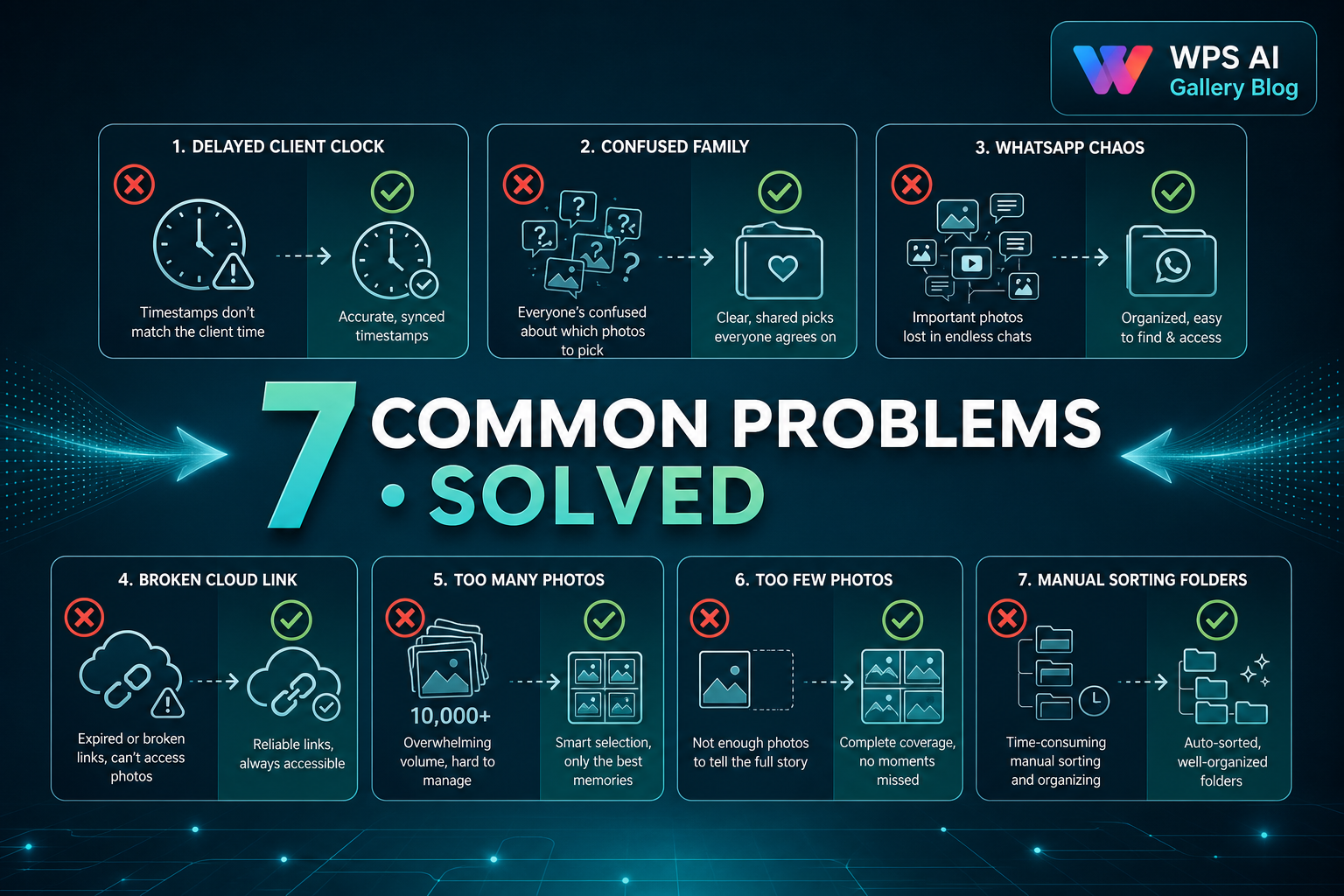
Every studio owner knows the pattern: gallery delivered, then silence. Or worse — fifty WhatsApp messages with cropped screenshots. These problems are not about bad clients; they are about unclear process. Fix the workflow and most headaches disappear.
Problem 1: Client Delays Selection for Weeks
Why it happens: No deadline in contract. Client assumes unlimited time. Life gets busy after the wedding.
Solution: Write "5–7 day selection window" in the booking agreement. Send reminders on day 3 and day 6. If deadline passes, politely note that album delivery date shifts.
Problem 2: Family Members Send Different Lists
Why it happens: Multiple people select independently without coordination.
Solution: At delivery, name one "final approver" (bride, groom, or parent). Others can suggest, but only one list goes to the studio.
Problem 3: WhatsApp Screenshot Chaos
Why it happens: No structured selection tool — client uses the easiest method available.
Solution: Provide a clear gallery selection process. The client returns one approved list to the studio instead of dozens of chat messages.
Problem 4: Cloud Link Not Opening
Why it happens: Weak internet, expired link, wrong password, or mobile data limits.
Solution: Switch to offline gallery delivery for large sets. Client receives once and browses locally — no link dependency.
Problem 5: Client Selects Too Many Photos
Why it happens: Selection count was never communicated clearly.
Solution: State the number at delivery: "Your album package includes 300 photos. Please select exactly 300." Include it in a one-page PDF with the gallery.
Problem 6: Client Selects Too Few Photos
Why it happens: Overwhelmed by gallery size or unsure what to pick.
Solution: Offer a 15-minute phone call to guide them. Suggest categories: couple portraits, family groups, rituals, candid moments. Help them reach the target count.
Problem 7: Studio Spends Hours Manually Sorting
Why it happens: Selection arrives as an unstructured list and someone must find each file among hundreds of folders.
Solution: Use a workflow-focused gallery approach so the studio receives an organized client selection — often saving 1–2 hours per wedding during peak season.
Before vs After: Workflow Clarity
- Before: WhatsApp screenshots and manual file hunting.
- After: One clear client list and a predictable timeline.
Founder Insight
Most selection problems are process problems. When studios set count, deadline, and one approver at delivery, client behaviour becomes predictable — even during busy wedding season.
Explore WPS AI Gallery
Frequently Asked Questions
Should I charge extra for late selection?
Some studios include a grace period, then charge a rescheduling fee. The clearer your policy, the less you need to enforce it.
How do I handle a client who keeps changing their mind?
Allow one revision round within the selection window. After that, treat changes as a paid re-selection or album redesign fee.
What message template works for reminders?
Keep it friendly: "Hi [Name], gentle reminder — please send your final photo list by [date] so we can start your album on schedule."
Can offline galleries reduce these problems?
Yes — they help with link and internet issues (Problem 4) and support a clearer selection handoff (Problems 3 and 7).
Should I explain the process at booking?
Absolutely. Clients who understand the timeline and selection count at booking rarely cause delays later.
Try a Live Demo Before Making a Decision
See structured client selection in a free live demo — from delivery to studio handoff.