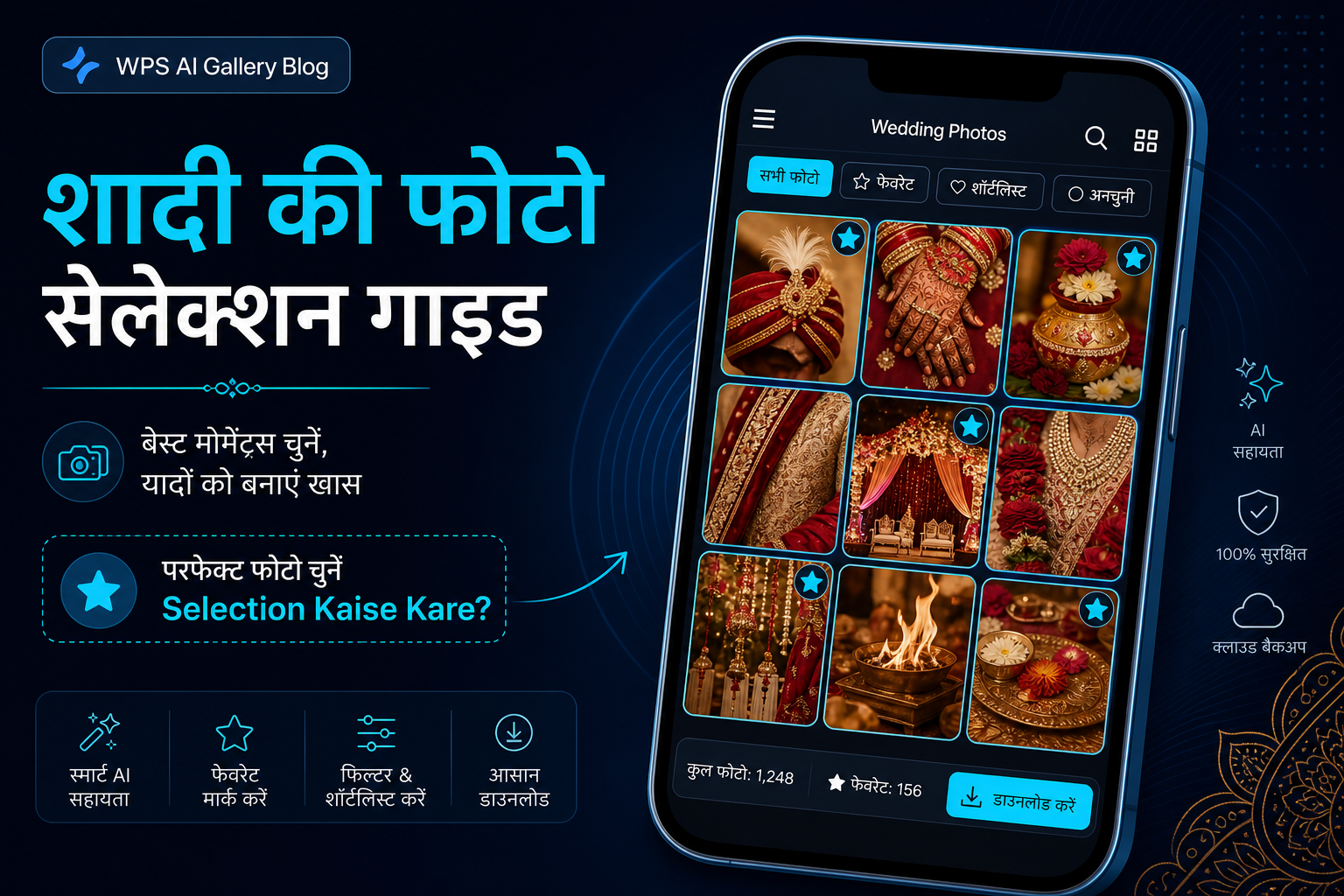
After every wedding, studios and families face the same question: how should photos be selected for the album? The bride, groom, parents, and relatives often prefer different images. The studio needs a clear final list; the client needs an easy browsing experience. When the process is slow or unclear, deadlines slip and relationships strain unnecessarily.
This guide is for both studios and clients — practical steps, professional tips, and an offline-friendly workflow built for real wedding conditions worldwide.
What Photo Selection Actually Means
Selection is when the client identifies which edited photos should go to the album, prints, or social media. Studios often deliver 800–1500+ images; the client returns a final list — for example, 300 album photos and 50 prints.
Confusion usually appears when:
- No clear target number is given at delivery
- Family members send separate, conflicting lists
- Screenshots are sent through messaging apps instead of one structured list
- Cloud links load slowly or fail on weak networks
Why Traditional Methods Often Fail
Cloud-only links, unlimited revision requests, and screenshot-based communication were never designed for large multi-day weddings. They create repeated corrections, slow browsing, and manual sorting work for the studio team.
A better approach uses a defined selection count, a written deadline, and a delivery method that works reliably after the gallery is received.
Studio Side: Setting Up the Selection Process
- Deliver the gallery with a written photo count and deadline.
- Let the client review offline at their own pace.
- Receive one final approved list, then begin album design.
Professional studios provide a written brief: how many photos, by which date, and who makes the final decision (bride, groom, or parents). A one-page summary at delivery resolves most workflow confusion before it starts.
Client Side: How to Select Photos (Step by Step)
- View the full gallery once without selecting — enjoy the memories, then start serious selection in a second session.
- Think in categories — couple, family, friends, rituals, candid. Keep balance across sections.
- Remove duplicates — from five similar poses, keep the best one or two.
- One person approves the final list — otherwise the studio receives multiple conflicting lists.
- Respect the deadline — the studio has upcoming weddings in the production queue.
Practical Photography Example
A studio delivers a large three-day wedding gallery. The contract states 300 album photos within seven days. The couple reviews offline at home, shortlists by category, and returns one clear list. The studio moves to album design with far less screenshot sorting and family confusion.
Offline vs Online Selection — Short Comparison
| Factor | Cloud Link | Offline Gallery |
|---|---|---|
| Internet during review | Required each session | Not required after delivery |
| Rural / destination weddings | Often difficult | Works reliably |
| Family group review | One phone, may feel slow | Can copy to multiple devices |
| Large galleries (1000+) | May feel slow on mobile data | Local browsing stays smooth |
Professional Tips for Studios
- Include selection days in the contract — for example, "final list within 7 days"
- Remind clients of the album photo count at delivery
- Use messaging apps only for previews; collect final selection through the gallery workflow
- Provide a short PDF or video explaining how selection works
- Send polite follow-ups on schedule — process clarity beats blame
WPS AI Gallery provides an offline wedding gallery system clients can open on phone or laptop without internet during review — patent pending workflow technology with a straightforward client experience.
Common Mistakes That Cause Delays
- Selection count not stated in the contract
- Multiple relatives sending separate screenshot requests
- Cloud link expires while the client is still reviewing
- Album design starts before the final list is confirmed
For detailed solutions, see 7 Common Client Selection Problems & Solutions.
Typical Selection Timeline
- Days 1–2: Client receives gallery, first viewing
- Days 3–5: Family discussion and shortlist
- Days 6–7: Final list sent to studio
Full 7-day workflow: Wedding Photo Delivery Timeline Guide.
Founder Insight
Clear selection rules — count, deadline, and one approver — solve most delays before they start. That principle comes from 22+ years of watching studios lose editing days to unstructured client communication.
Explore WPS AI Gallery
Frequently Asked Questions
Can clients select photos without internet?
Yes. After offline gallery delivery, clients can browse and select on phone or laptop. Only sending the final list back may require internet, depending on your workflow.
How many photos should be selected for the album?
This depends on the studio package — commonly 250–400 photos. Confirm the number when signing the contract.
What if family members disagree?
Choose one final approver — usually the bride or groom. Others may suggest favourites, but only one list goes to the studio.
How does the studio receive the selection?
With a structured offline-friendly process, the client returns one clear selection list — without screenshot messages.
Is offline selection better for large weddings?
Often yes — especially where connectivity is unstable. Offline delivery lets families review comfortably without depending on link speed.
Try a Live Demo Before Making a Decision
See the client selection experience from delivery to studio handoff — book a free studio demo.