Clients increasingly ask: "When will we get our photos?" The answer depends on your studio's internal workflow — not just editing speed. A clear 7-day timeline sets expectations, reduces WhatsApp follow-ups, and keeps peak season manageable.
This timeline assumes a typical multi-day Indian wedding with 800–1200 edited photos delivered for client selection.
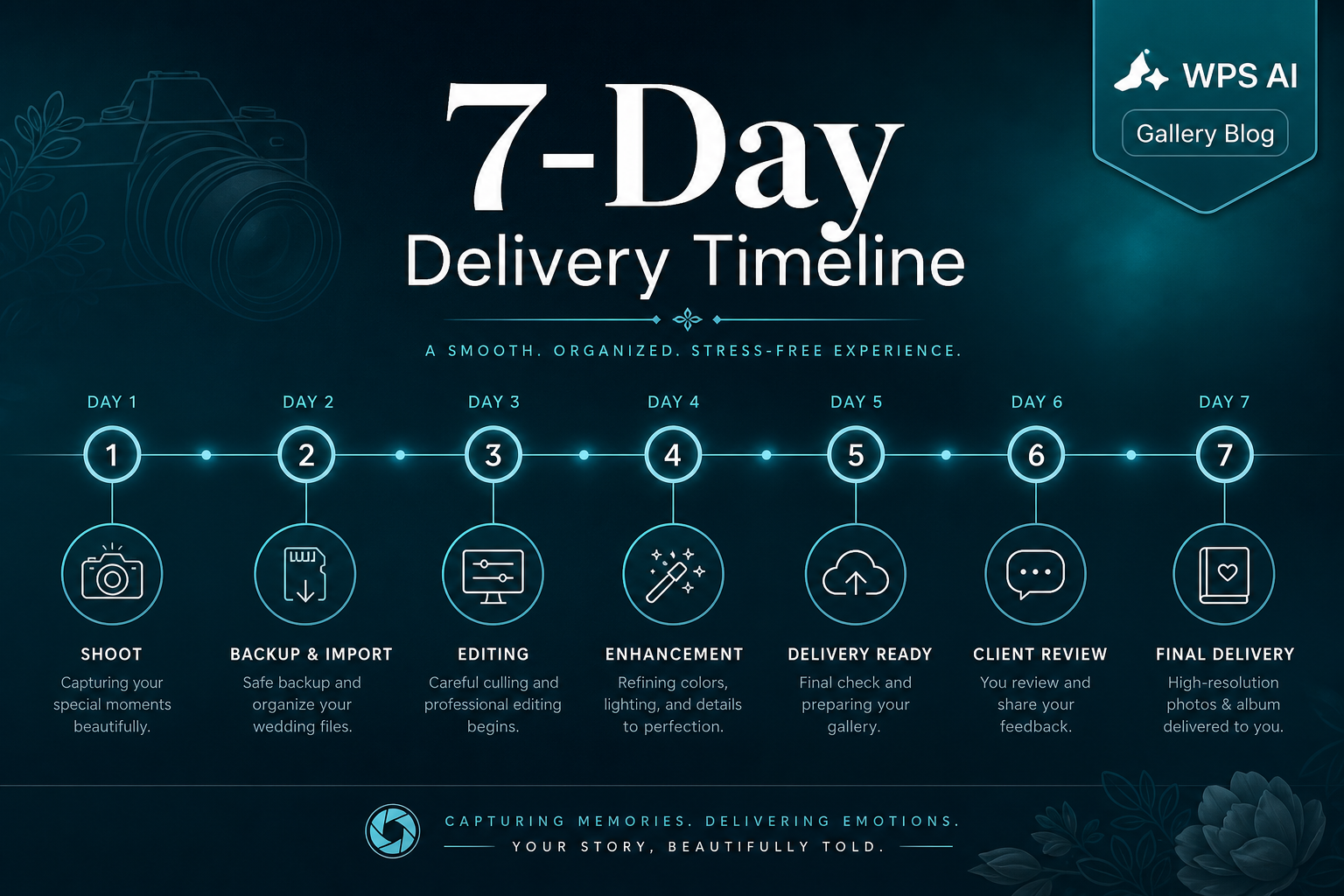
7-Day Workflow Overview
- Days 0–2: Backup, edit, and organise.
- Day 3: Deliver gallery with clear selection instructions.
- Days 4–5: Client review and family discussion.
- Day 6: Final selection received.
- Day 7: Studio moves to album design and production.
Day 0–1: Back Up & Organise
Immediately after the wedding: backup all cards to at least two locations. Begin culling — remove blinks, duplicates, and test shots. Organise by event (sangeet, ceremony, reception) so later editing stays structured.
Day 2: Edit & Quality Check
Complete colour grading on selected photos. Run a quick QC pass — exposure consistency, skin tones, and any missed moments the client specifically requested. Do not deliver before this check; re-edits after selection cost more time than upfront QC.
Day 3: Gallery Delivery
Deliver the gallery to the client with clear instructions:
- How many photos to select (e.g. 300 for album)
- Deadline for submission (Day 6)
- Who makes the final decision (bride/groom or designated family member)
- How to return the selection (structured file, not WhatsApp screenshots)
Offline gallery delivery works well here — the client receives once and reviews without depending on internet speed during family gatherings.
Day 4–5: Client Review Period
Give clients space to enjoy their photos. First viewing is emotional; serious selection happens on the second pass. Send a gentle reminder on Day 4: "Please submit your final list by [date]."
Day 6: Selection Received
When the client submits their selection, verify the count matches the package (e.g. 300 photos). If over limit, ask them to trim. If under, confirm they are finished. Do not start album design on an unconfirmed list.
Day 7: Studio Final Prep
Confirm the client selection and prepare materials for album design or print production. A consistent workflow here saves hours compared to manual file hunting across folders.
What to Include in Your Client Contract
| Item | Recommended |
|---|---|
| Gallery delivery | Within 3 business days of wedding |
| Client selection window | 5–7 days from delivery |
| Album design start | After confirmed selection only |
| Late selection policy | May shift album delivery date |
Founder Insight
A published 7-day timeline protects both studio and client. Studios that communicate deadlines at booking spend less time chasing selections during peak season.
Explore WPS AI Gallery
Frequently Asked Questions
Is 7 days realistic for every wedding?
For studios with dedicated editors, yes. Smaller solo operators may need 10–14 days — but always communicate the timeline clearly at booking.
What if the client misses the deadline?
Send one extension offer with a new date. If still no response, pause album work and move to the next wedding in queue. Protect your schedule.
Should sneak peeks delay the full gallery?
No. Sneak peeks (5–10 photos) can go on Day 1–2, but do not replace the full delivery commitment.
How does offline delivery fit this timeline?
Offline galleries are typically ready on Day 3 and delivered via USB, drive link, or WhatsApp — client selection runs Days 4–6 without network delays.
Can this timeline work for destination weddings?
Yes. Deliver the gallery before the client returns home, especially if their home network is slower than the hotel.
Try a Live Demo Before Making a Decision
From gallery delivery to client handoff — book a free hands-on demo.